---
title: "Installation & Activation"
description: "How to install and activate the Gyta Buyback plugin."
url: "https://docs.gytabuyback.com/getting-started/installation/"
---
## Download the Plugin
Gyta Buyback is available free on [WordPress.org](https://wordpress.org/plugins/gyta-buyback/), or start a **30-day free trial** of PRO for additional features.
The free version includes all core buyback functionality. PRO adds Venmo, Zelle, Interac eTransfer, and Crypto/Stablecoin payment methods, admin shipping/tracking views, and priority support.
## Install the Plugin
Log into your WordPress admin, go to **Plugins**, and click **Add Plugin**.

Choose **Upload Plugin**, click **Choose File**, select the plugin ZIP, then click **Install Now**.

Once installed, click **Activate Plugin**. Gyta Buyback then appears in your plugin list.
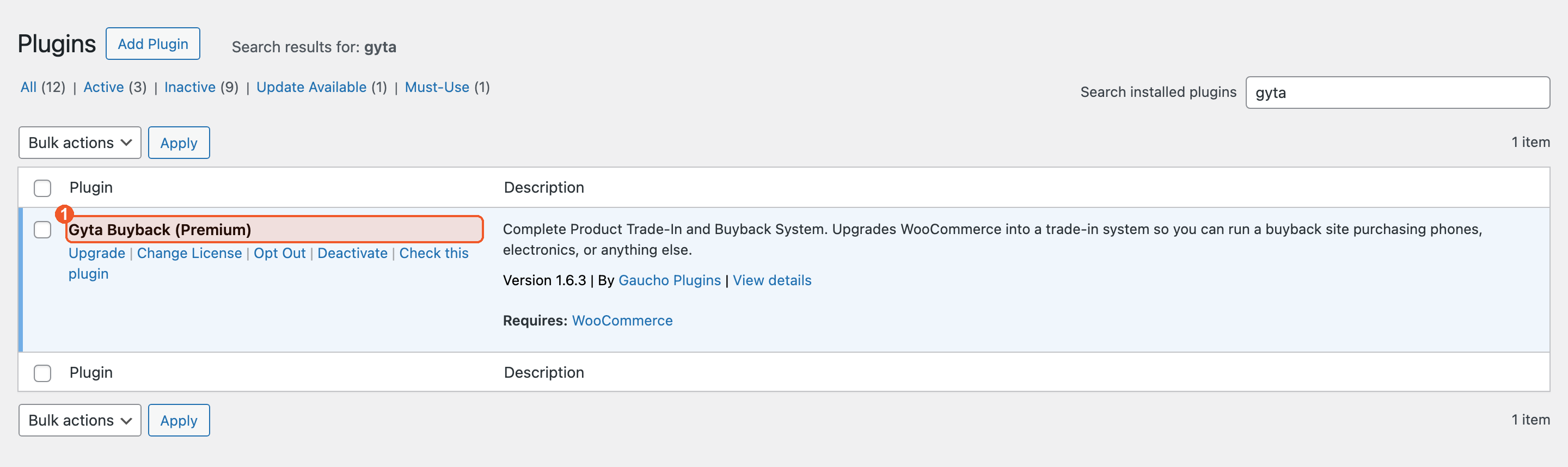
If you bought PRO, use the **Activate License** link on the plugin row to enter your key.
**Done!** Gyta Buyback is now installed. Next, set up EasyPost for shipping labels.